Skip to product information
1 of 3
  • Trusted Delivery
  • Secure Payment
  • Hussle-free Return
  • Pay on Delivery

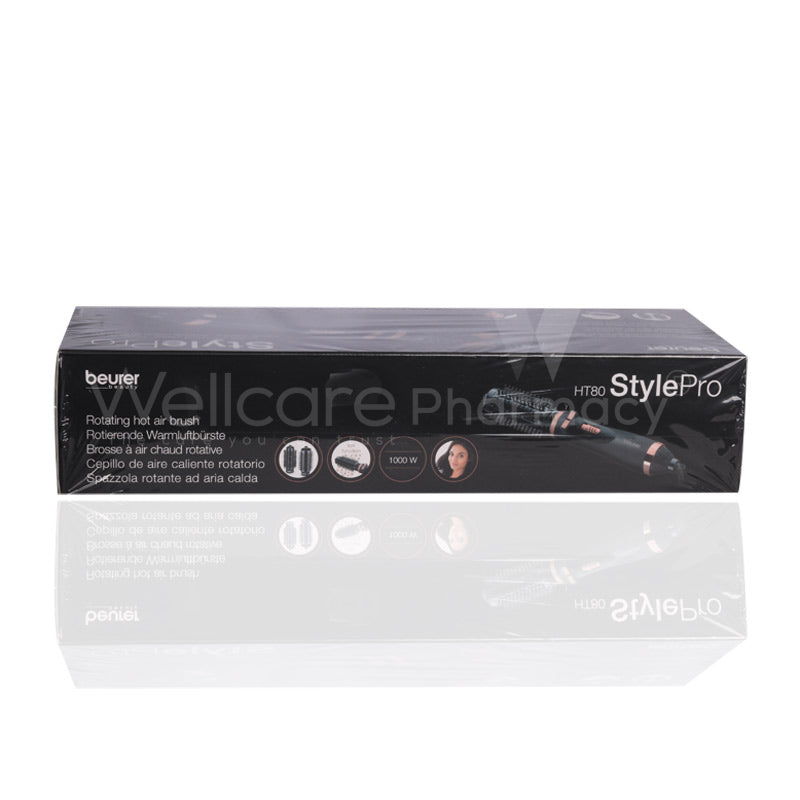
Beurer Ht80 Rotating Hot Air Brush

Beurer Ht80 Rotating Hot Air Brush

Regular price 229.00 QR
Regular price Sale price
229.00 QR
Sale Sold out
Wishlist
Free Delivery
Buy via WhatsApp

Purchase this product and earn an extra 9.16 Purple Reward Points!

Overview

The rotating hot air brush with 2 interchangeable attachments for simple styling in seconds the heated brush allows you to create a hairstyle with volume,

How To Use

  • Unpack the unit and ensure you have the main handle, two brush attachments (a heated brush for volume/fill and a curling brush for waves/curls), and the user manual.
  • Place it on a dry, stable surface. Plug the mains plug into a suitable socket (voltage 220240 V ~50/60 Hz) as per the product label.
  • Clean the air intake filter (on the back) and ensure no lint or hair is blocking it.
  • Choose the appropriate attachment: For volume/fill: Use the heated brush attachment., For curls/waves: Use the curling brush attachment.
  • Attach the brush by aligning, pressing on, and turning gently until it clicks into place. To remove, hold the unlockbutton and pull off the attachment after it has cooled.

How to Style (Operation)

Straightening / Volume

  • Use the heated brush attachment.
  • If hair is fine: set switch to 1 (gentle airflow / medium temp). If hair is thick: set to 2 (strong airflow / higher temp).
  • Hold the brush at the root, and slowly glide down to the tip, section by section. Repeat until hair is styled.

Curls & Waves

  • Use the curling brush attachment.
  • Choose switch setting 1 or 2 as above based on hair type.
  • Wrap a section of hair around the brush (from tip up to root), hold about ~20 seconds; then switch to the coldair setting for finishing, and rotate/unwind the section.

Finishing / Cold Shot

  • Use the coldair / “0” switch position to finish and set your style.

Payment Methods

Payment Image 1
Payment Image 2
Payment Image 3
Payment Image 4
Payment Image 5
View full details